2026.06.11
More Reliable Full-Page Capture in AnnotateShot Capture 1.3.0
The Chrome extension keeps the same simple capture choices, but the full-page path is now much more dependable on real websites.
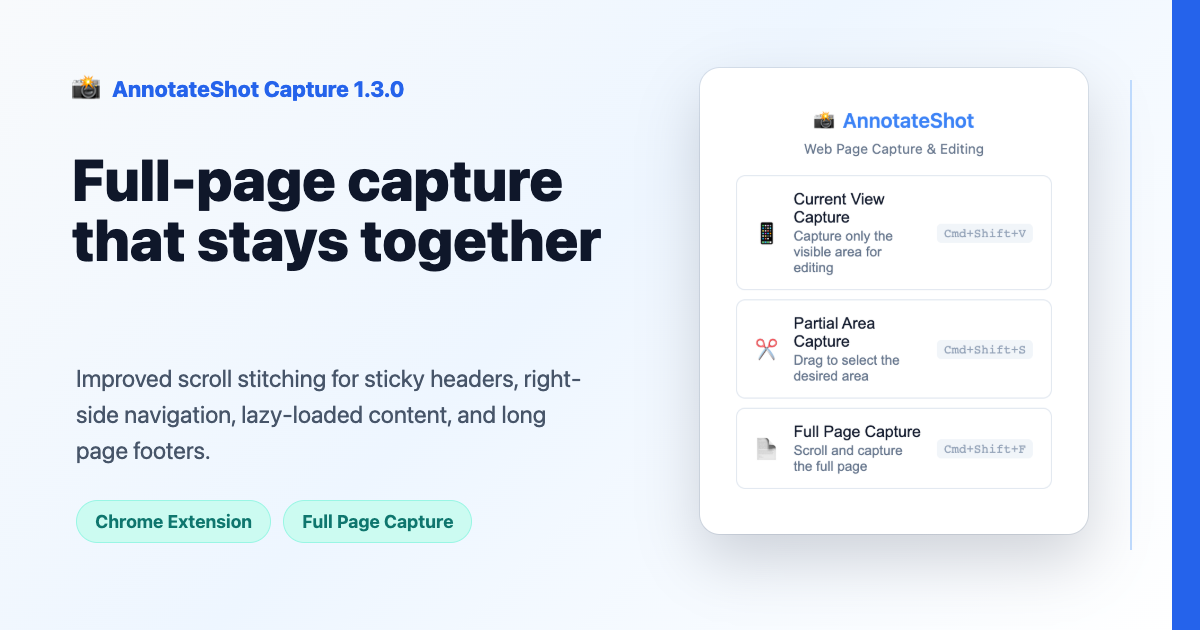
Full-page capture sounds like one feature, but real websites make it a moving target. A page can lazy-load images while you scroll. A footer may appear only after the last section settles. A government or tax portal can pin a header to the top of every viewport. Developer documentation often keeps a table of contents stuck on the right side. Some blogs place the real article inside an iframe, so the visible page and the scrollable document are not the same thing.
AnnotateShot Capture 1.3.0 focuses on that messy middle layer. The extension still offers the same three actions: capture the current view, select a partial area, or capture the full page. What changed is the way the full-page path waits, scrolls, captures, and stitches the final image.
The new stitching flow records the actual scroll position for each captured viewport and draws each piece into its absolute place. Overlapping areas are cropped so later screenshots do not overwrite content that was already drawn. When the document grows while scrolling, the capture plan expands instead of stopping too early.
For iframe-based pages, AnnotateShot Capture can now request optional all-site access when full-page capture needs it, inspect the page frames, and target the longest scrollable document instead of only the outer shell. The stitched image uses the iframe's on-screen bounds as the source crop, which helps pages such as embedded blog posts capture as one continuous article.
We also tightened repeated UI handling. Fixed headers and sticky sidebars are kept in the first viewport, then temporarily hidden from later captures so they do not appear again and again down the final image. That matters for pages like tax dashboards, admin portals, long help docs, SDK guides, and product documentation with right-side navigation.
This release is not about adding a new button. It is about making the existing Full Page Capture button trustworthy enough for the work people already do: saving a complete receipt page, documenting a support issue, sharing a developer setup guide, or annotating a long product review without manually stitching screenshots afterward.
The popup also got a small cleanup. The retired debug setting is gone, and the extension window now sizes itself around the three capture choices instead of leaving an empty block of space below them.