2026.09.25
Convert PDF Pages into Individual PNG or JPG Files
A new Family Service tool turns PDF pages into image files you can download one at a time.
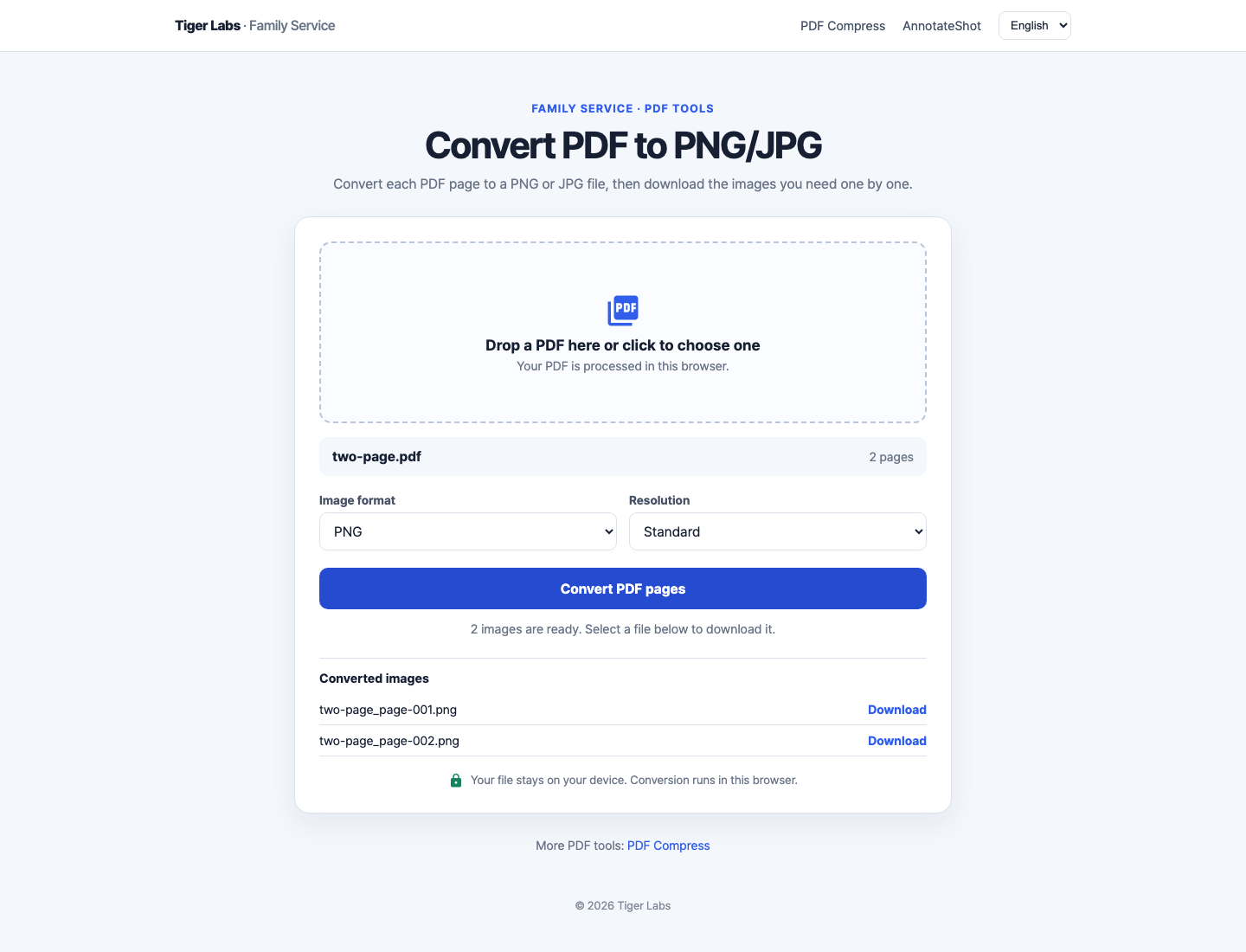
Sometimes you only need one page from a longer document. You might want to send a single invoice page in a chat, place a chart from a report into a presentation, or keep a scanned form page as an image. The new PDF to PNG/JPG converter makes those pages available as individual files.
Choose a PDF and the tool renders each page in your browser. Select PNG for crisp text and diagrams or JPG for compact photos, then choose standard or high resolution. When a page finishes converting, its own download link appears with a filename that includes the source document and page number. Download only the pages you need.
The conversion stays on your device. The PDF is not uploaded to a server, and the converter does not bundle the output into an archive. This is useful when a colleague, form, or upload field asks for a specific image file.
Open PDF to PNG/JPG from the Family Service menu, drop in a document, and choose the image files to save.