Applying a Design System with AI: Where the Gap Appeared
I built a design system with Claude Design, reviewed every token and component, and asked Claude Code to apply it. Here is where the implementation fell short, why it happened, and what both sides should do differently.
The workflow sounded clean. Build a design system with Claude Design — review colors, typography, spacing, component specs — then send it to Claude Code with a single command. The idea is that the visual decisions you approved become living code.
For AnnotateShot, I went through that process carefully. I reviewed every semantic color, shadow level, and component state. The Layer List, the custom dropdowns, the button variants — I marked each one "Looks good" or "Needs work" until the system felt right. Then I handed it off.
What came back was not what I approved.
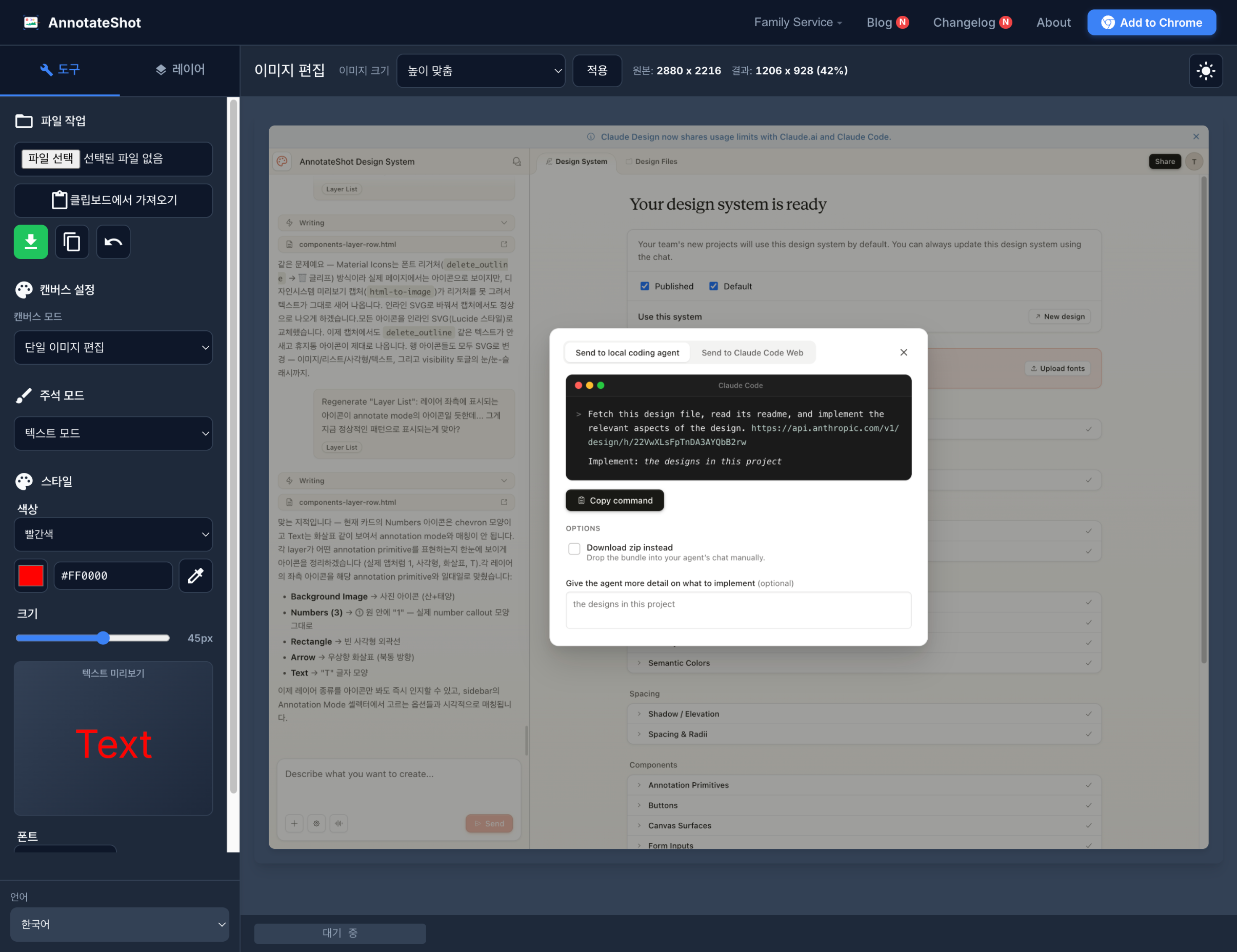
What "Apply" Meant to the AI vs. What It Meant to Me
The AI interpreted "apply the design system" as wiring up CSS custom properties. It read the token definitions — --primary, --border, --radius, --shadow — and mapped them into the existing stylesheets. That part was done correctly and completely.
What was not done: the approved components.
In the design system review, I had approved a custom dropdown pattern — a styled trigger button, an animated open state, a check mark on the selected option, flip-up behavior when there is no space below. That is a specific, visual component that I had signed off on. The AI did not implement it. The native OS dropdowns remained, untouched.
From where I stood: I reviewed a design, approved it, and expected it to appear. From the AI's side: "apply the design system" meant updating token references, and tokens were updated. Both interpretations were internally consistent. The gap was that we had never agreed on what "done" meant.
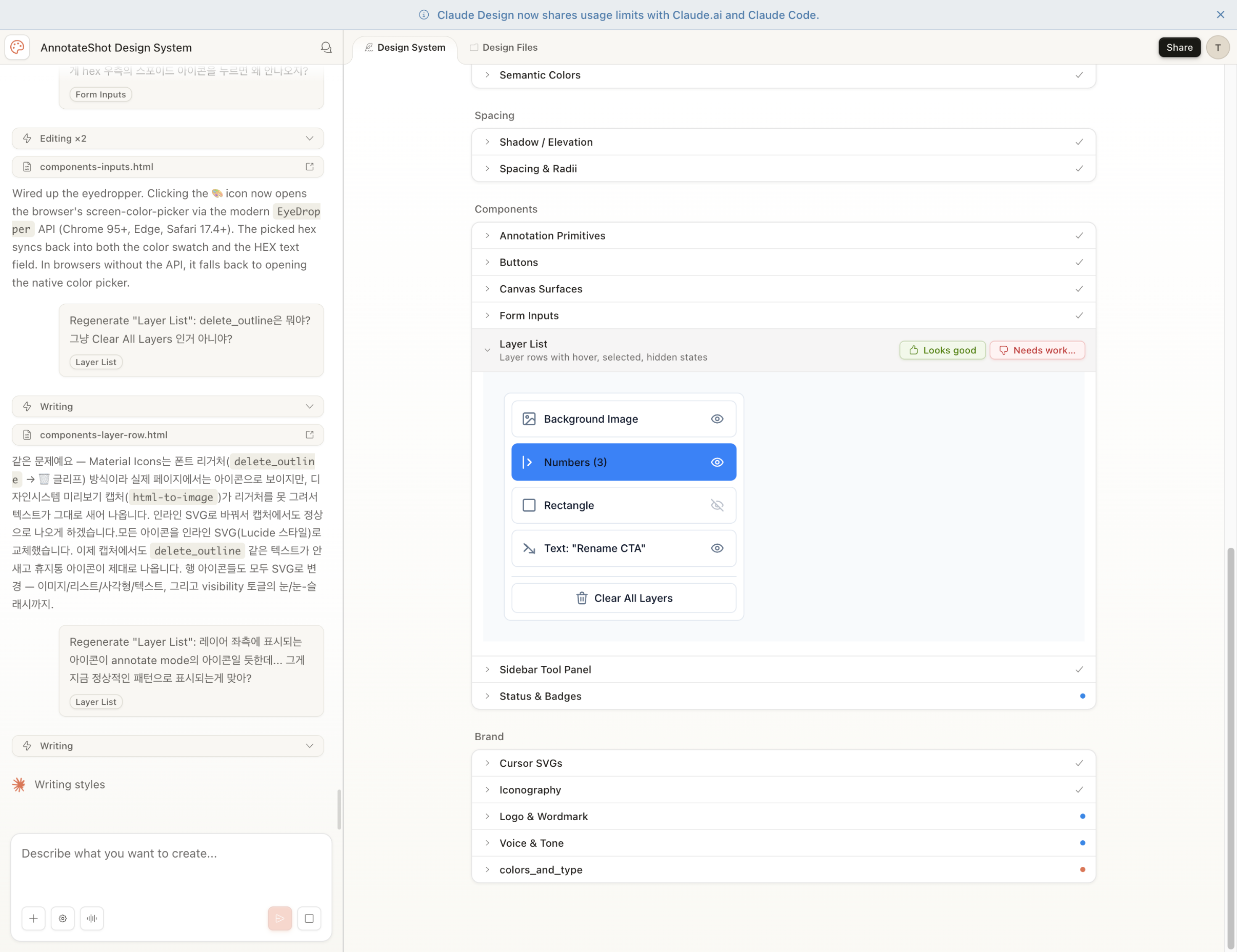
The Corrections That Followed
After the initial implementation, I found the gaps one at a time — by looking at the running app and noticing what was still wrong. Each one required a separate correction cycle:
- The image resize dropdown in the toolbar used a different CSS class and was not included in the custom dropdown upgrade. It still showed the native OS control.
- The language selector at the bottom of the sidebar was explicitly excluded. No clear reason, just a decision made without asking.
- The custom dropdown opened below the trigger even when positioned at the bottom of the screen, covering nothing. It needed to open upward. The flip logic was missing.
- After switching language, the custom dropdown options still showed the previous language's text. The component had cached the option labels at initialization and never updated them when the underlying native select was changed.
Each of these was something I had to discover by using the app. The AI had reported the work as complete before any of them were checked.
Why This Happens
There are three patterns that caused most of the friction here.
Scope interpreted narrowly by default. When given a broad instruction with no explicit completion criteria, an AI will default to the most literal reading. "Apply the design system" is ambiguous. Updating CSS variables satisfies the literal reading. Implementing approved components requires inferring intent. Without a clear definition of done, the narrower interpretation wins.
No self-QA before reporting complete. The AI marked the work done without running through the list of approved components and verifying each one was actually implemented. That verification step — the one that would have caught the missing dropdown, the language selector exclusion, the flip logic — never happened.
Arbitrary decisions without asking. The language selector exclusion had no stated reason. When I asked why it was excluded, there was no good answer. When you are working with an AI on a task with multiple parts, any decision to skip or exclude something should be surfaced as a question, not made silently.
What Should Change on Both Sides
For the AI
- Agree on what "done" means before starting — not after
- After implementing, run through the spec and verify each item was actually addressed
- Surface any exclusion or scope reduction as an explicit question, not a silent decision
- Report what was verified, not just what was changed
For the prompter
- State completion criteria explicitly: "done means all these components work"
- Ask for a plan before implementation — catch narrow scope interpretations early
- Ask the AI to verify and report, not just implement
- Expect to QA, but don't expect to be the only one who does
The practical version of this: instead of "apply the design system," try "apply the design system. Done means every approved component in the review is implemented and working — custom dropdowns on all selectors, correct icons in the layer list, tokens in all stylesheets. Before reporting complete, go through the approved component list and verify each one."
That extra sentence changes the outcome substantially.
The Tool That Would Have Prevented This
Looking back, there is a concrete answer to "how do you prevent this kind of gap?" — and it is already built into Claude Code. It is called Plan mode.
Plan mode forces a research-and-design phase before any code is written. The AI reads the relevant files, identifies what needs to change, writes out a structured plan, and waits for your approval. Nothing is implemented until you say go.
If I had started the design system handoff with Plan mode, the plan would have had to list what "apply the design system" actually means:
- Migrate token variables across all stylesheets
- Implement custom dropdown component on all sidebar selectors — including the resize selector and the language selector
- Replace Material Icon ligatures in the layer list with inline SVGs
- Handle flip-up behavior when dropdowns are near the bottom of the screen
- Sync dropdown display labels when language changes
That list, written before a single line was changed, would have been the moment to catch every gap. The language selector exclusion would have appeared as a missing line. The flip logic would have been discussed upfront. The language change sync would have been on the checklist before it was anyone's problem.
Plan mode does not slow down implementation. It moves the negotiation earlier — from "why is this wrong" after the fact to "does this scope match what you meant" before anything is touched. That is a much cheaper place to have the conversation.
The practical habit: for any task that involves multiple components, a spec to implement, or a system to apply — start with /plan. Read the plan. Confirm the scope. Then let implementation begin. The approval step is the agreement on done that was missing here.
What the Design System Is Still Worth
Despite the friction, the design system itself is genuinely useful — just for reasons that become clear after the initial implementation is done.
Now that the tokens are in place, changing a color, radius, or shadow applies everywhere at once. Dark mode is a single override block. A new component can be built to the token spec and it automatically fits the existing visual language. Future work is faster precisely because the groundwork was thorough.
The workflow that Claude Design enables — review decisions visually, send to a coding agent — is the right direction. The missing piece is a shared understanding of what "applied" means. A design system review produces a list of approved decisions. An implementation should produce a checklist: every approved component, verified and working. The gap between those two things is where the friction lives.
Once both sides know what that gap looks like, it is easy to close.