2026.11.21
More Tools, Less Menu Hunting
A toolbar that uses the space you have, with a simpler way to show the active tool.
When a tool is visible, you can choose it immediately. AnnotateShot 4.6.1 makes better use of your editing window by showing more annotation tools directly above the canvas.
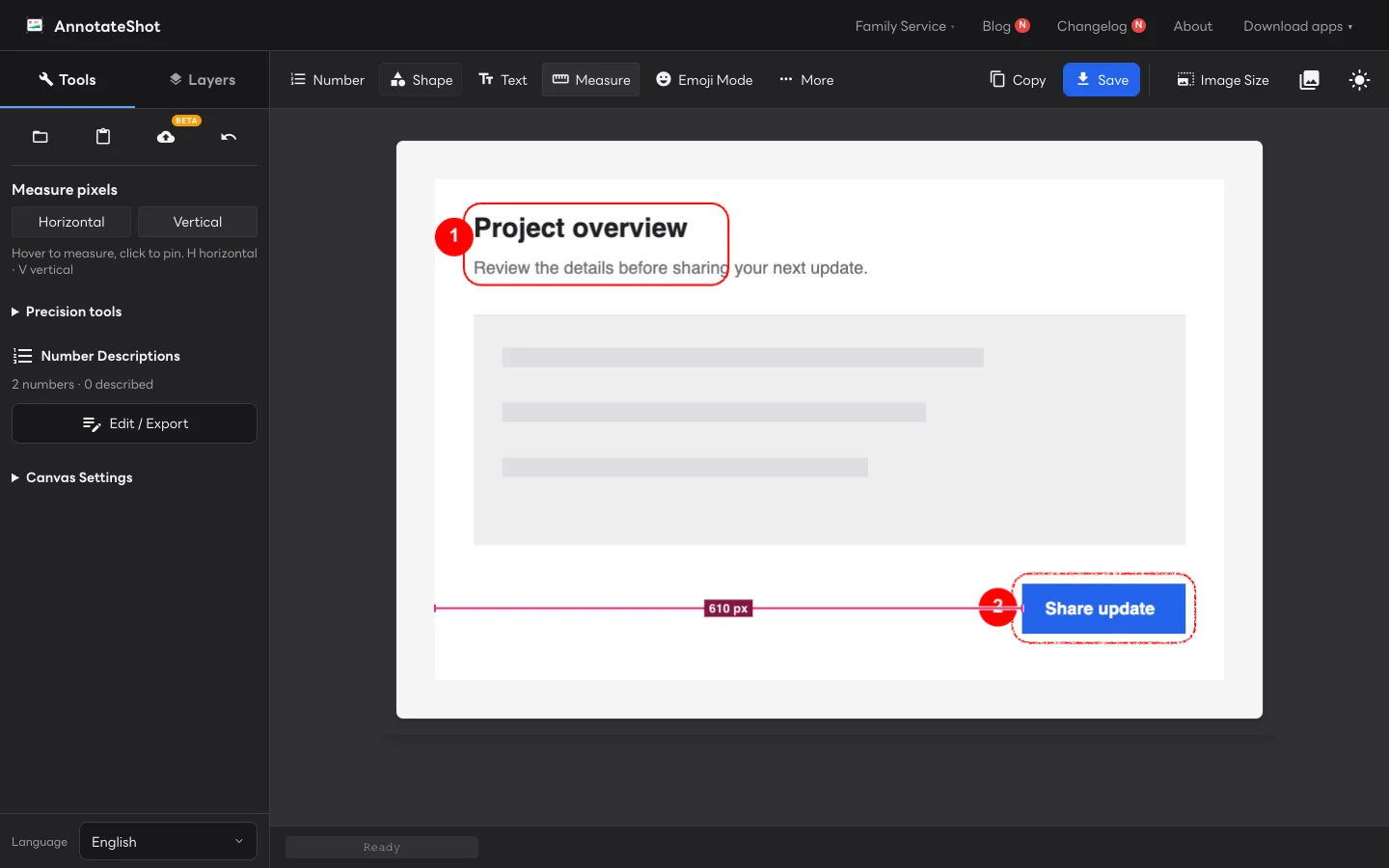
More space means more visible tools
Previously, the toolbar always showed Number, Shape, Text, and Measure, while the additional tools lived inside More. Now the toolbar measures the available space and displays as many labeled tools as will fit. On wider windows, emoji, cursors, magnifiers, and other tools can sit alongside the main tools.
More appears only when there are tools left to show. Narrow the window and the tools that no longer fit move into the menu. Widen it and they return to the toolbar in the same order. The layout also adjusts to translated labels and font loading.
Keep your place while reviewing
If you are checking a screenshot with a magnifier and then switch to a wider window, your selected tool stays selected. Copy, Save, and image size controls keep their space on the right. This helps when moving between a laptop screen and a larger monitor during a review.
A simpler pressed state
The active tool now uses a compact rectangular background with a small corner radius. We removed the rounded treatment and blue underline from these controls, keeping the selection quieter while preserving a visible keyboard focus indicator.
Read the 4.6.1 release notes or explore the precision editing features introduced in 4.6.0.