My Color
One colour, applied everywhere at once.
Geul.it for iPhone
Steem was built for people who write more than a sentence. Geul.it is where you read that on a phone — and write it back without a browser, a bookmark bar, or a key you have to hand over.
TestFlight coming soonThe public beta link isn't open yet. When it is, this button takes you straight there. Build 1.0.2 is in internal testing.
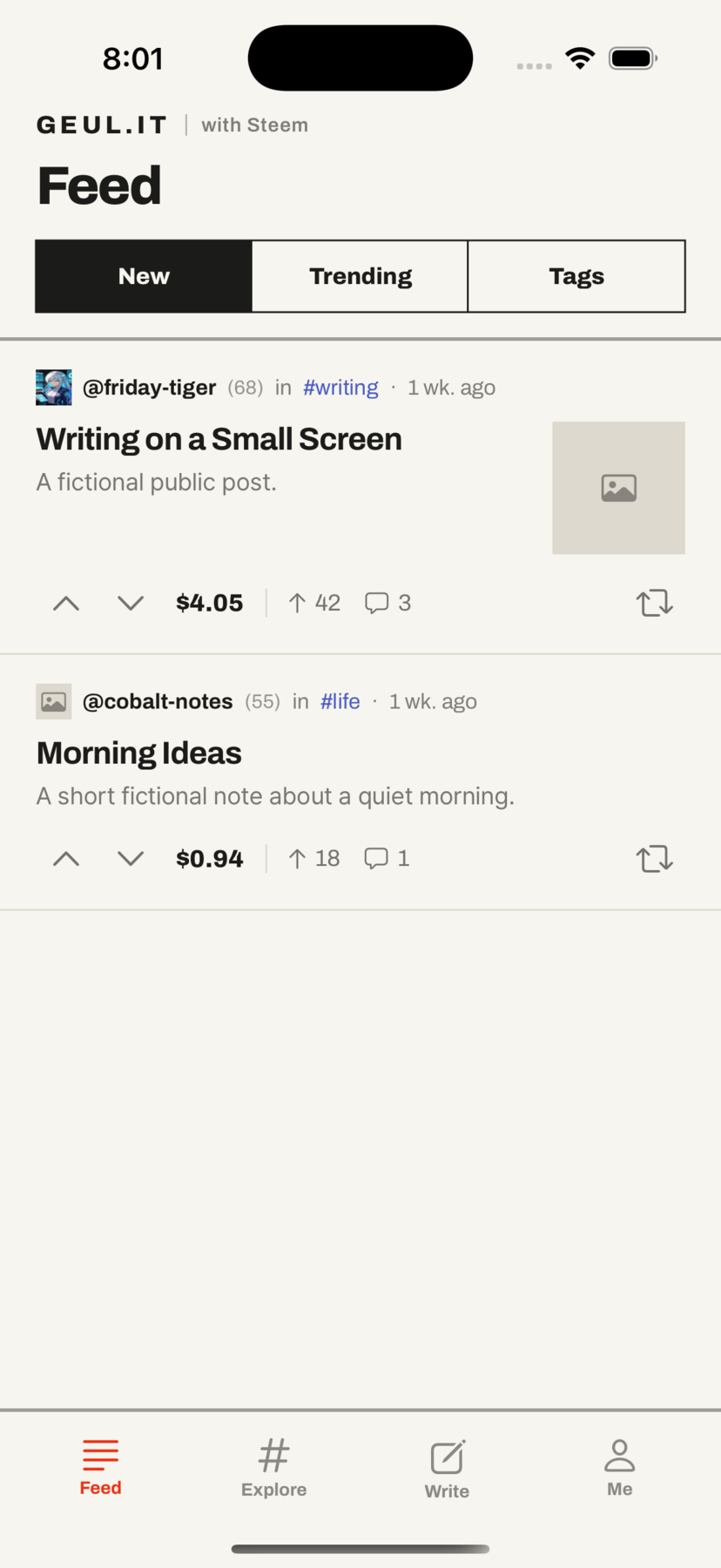
New, trending, or anything under a tag. Posts open into something you can actually finish — the payout, the vote count and the thread are there when you want them, and out of the way when you don't.
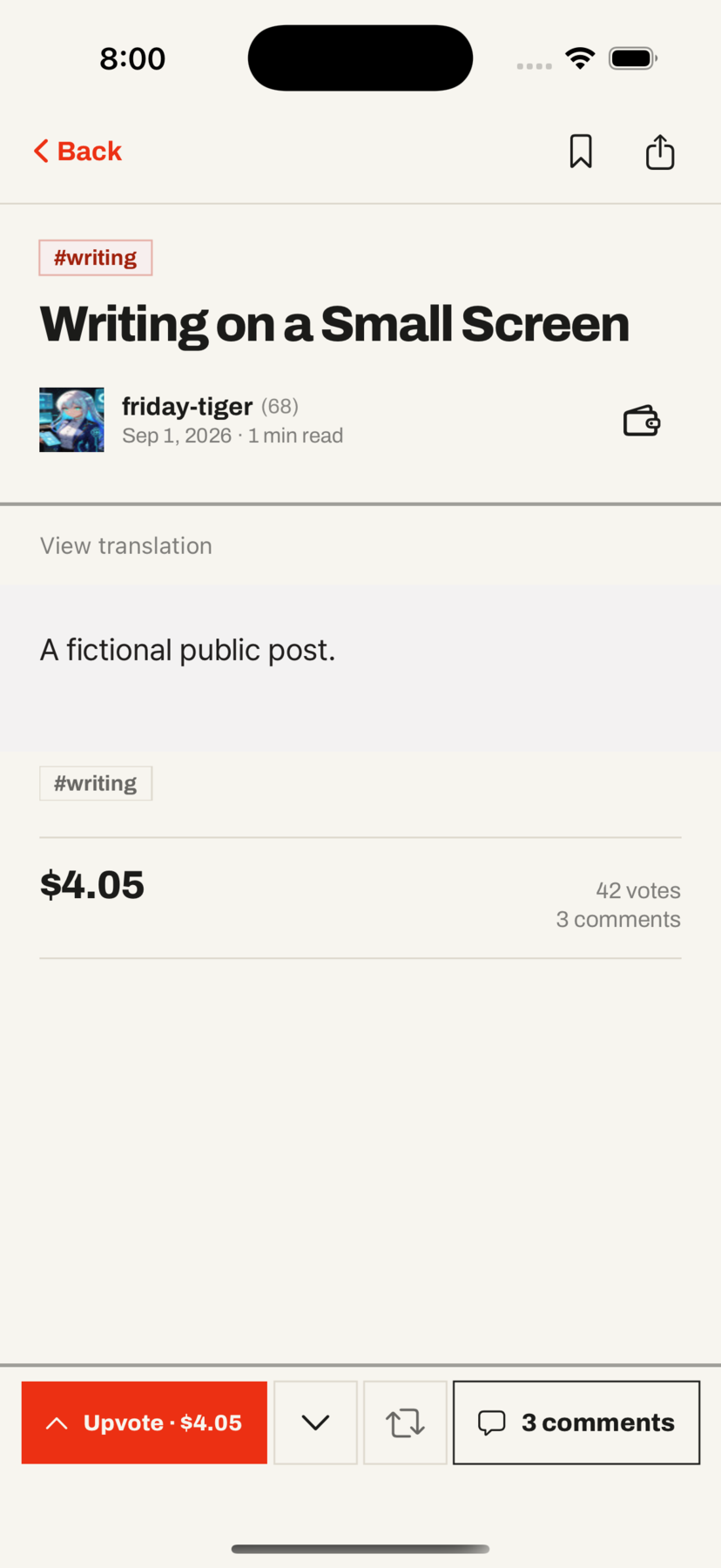
A post fills the screen. The bar at the bottom carries the vote, the payout it would earn, and the way into the thread — one tap each, and each one shows you what it will do before it does it.
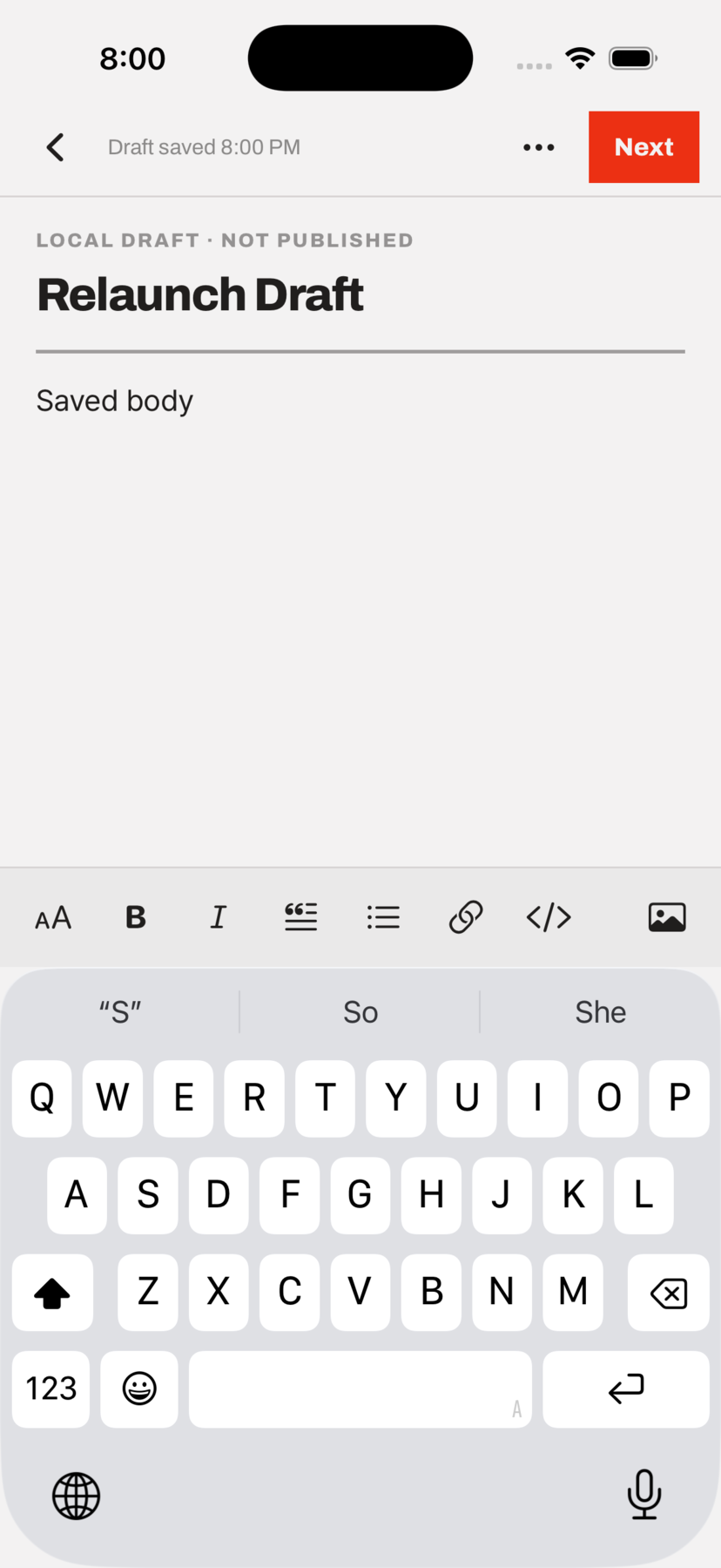
Select a line, press bold, and the line turns bold — right there, not on some preview screen two taps later. Lists look like lists. Images sit in the text. Everything is a draft on your phone until you decide otherwise.
There is no Geul.it server to send a key to. Connecting takes a posting key and nothing else — it goes into the iOS keychain, behind your passcode, and signing happens on the phone. Hand it an owner or active key and it refuses.
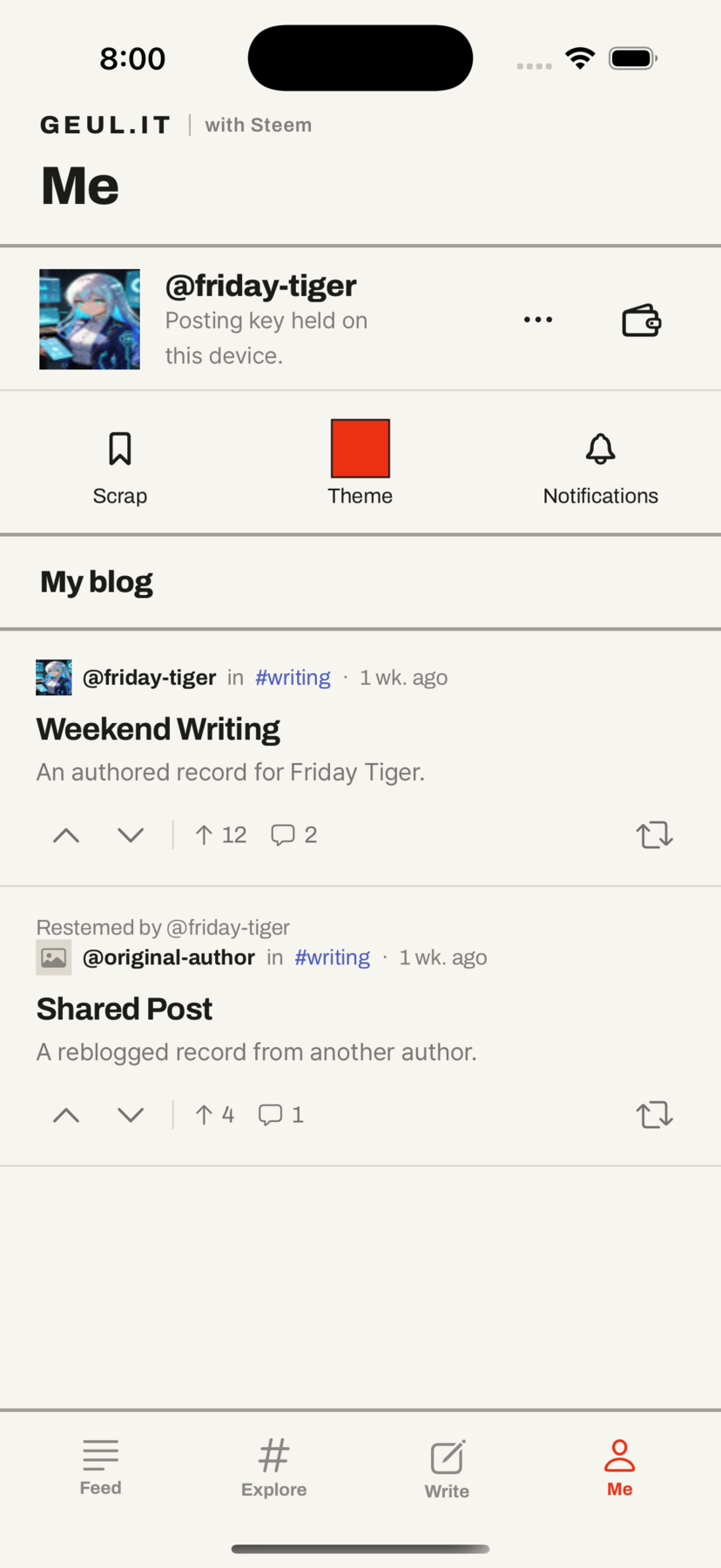
Pick the accent colour and the whole app takes it. Turn on the notifications you actually want and leave the rest off — replies and mentions arrive by default, votes stay quiet unless you ask.
One colour, applied everywhere at once.
A shelf on your phone for posts worth a second read.
Replies and mentions on, votes off, each one your call.